 Rydop
RydopKeep the best shot. Delete the rest.
Rydop finds duplicates, series of near-identical shots, screenshots and large videos on your iPhone, and shows how much space you get back.
- Free, with no subscription or purchases
- No account and no ads
- Your photos never leave your phone
 Best
Best Best
Best Best
Best Best
Best Best
Best0.0 MBfreed
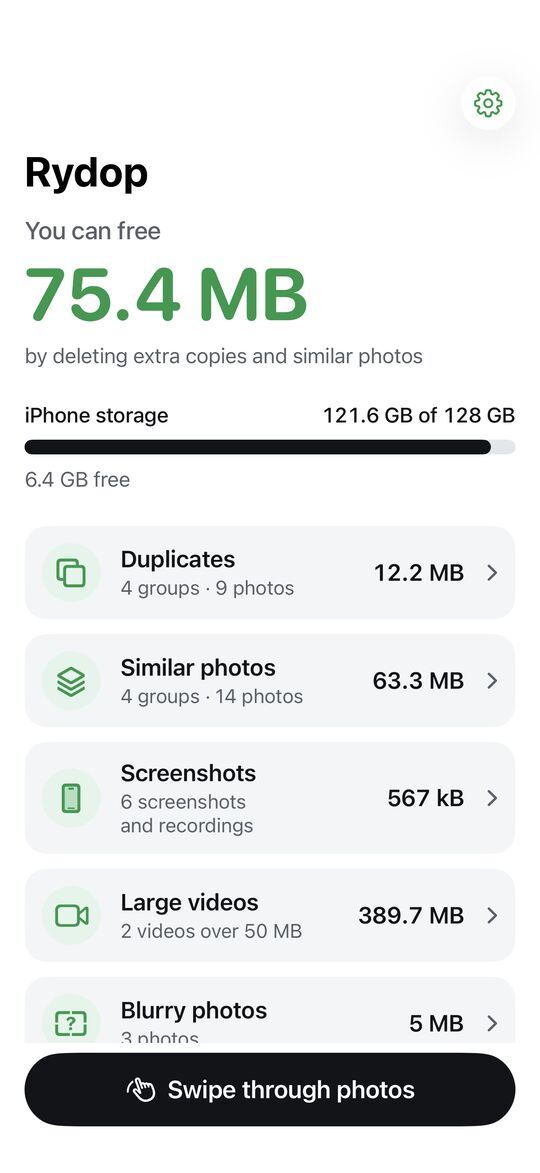
This is where the space hides.
Rydop looks through your whole library on the phone and breaks it down, so you can see what takes up space. The example is a 42 GB photo library.
- Duplicates1.2 GB
Copies saved from chats and downloads, even at lower resolution. The best copy is kept.
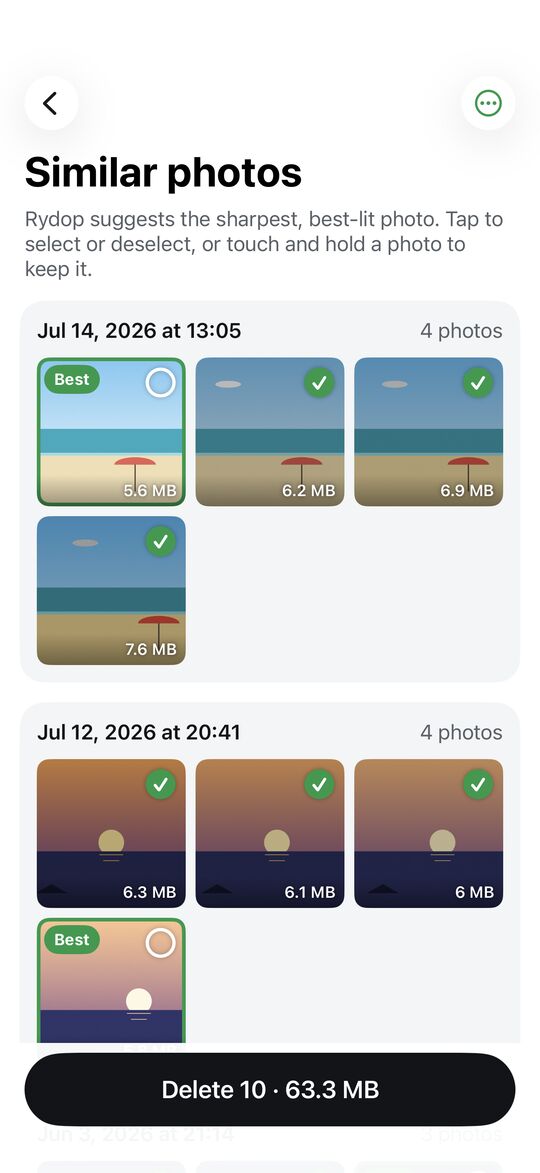
- Similar photos3.8 GB
Series shot seconds apart. Rydop suggests the sharpest, best-lit one.
- Screenshots0.6 GB
Oldest first, with one tap for everything older than 30 days.
- Large videos9.4 GB
Sorted by size, so you see what takes the most space.
- Blurry photos0.3 GB
Shaky and dark shots you can look through before you delete.
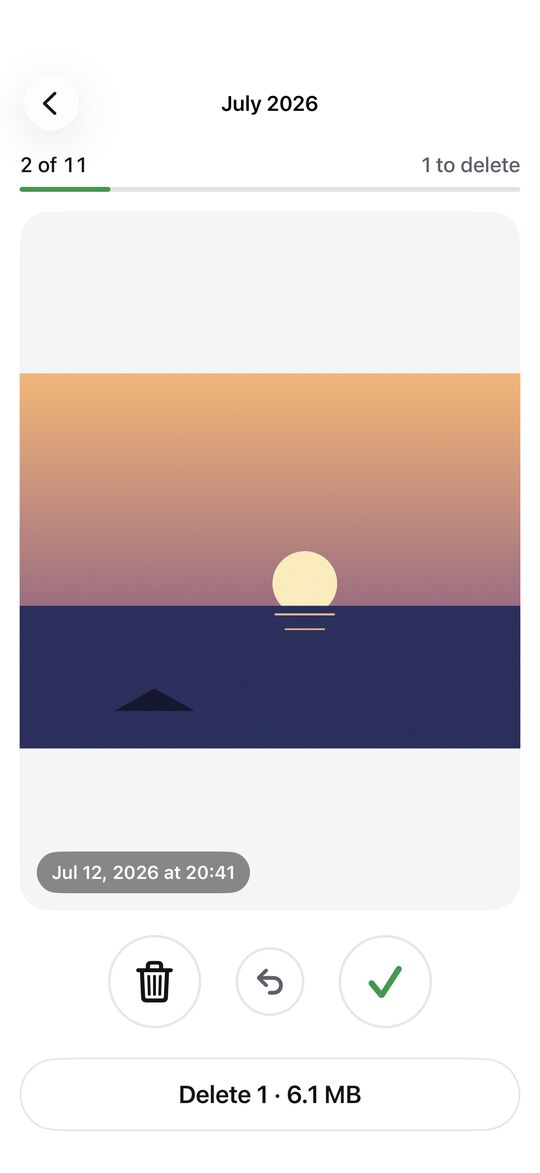
One month at a time.
Swipe through your camera roll: left to delete, right to keep. You can undo, and Rydop remembers where you left off.
- Nothing is deleted until you tap Delete at the end
- iOS asks you to confirm
- Everything stays in Recently Deleted for 30 days
 DELETEKEEP
 DELETEKEEP
 DELETEKEEP
 DELETEKEEP
 DELETEKEEP
 DELETEKEEP
Try it: drag the photo or use the buttons
What Rydop looks like.
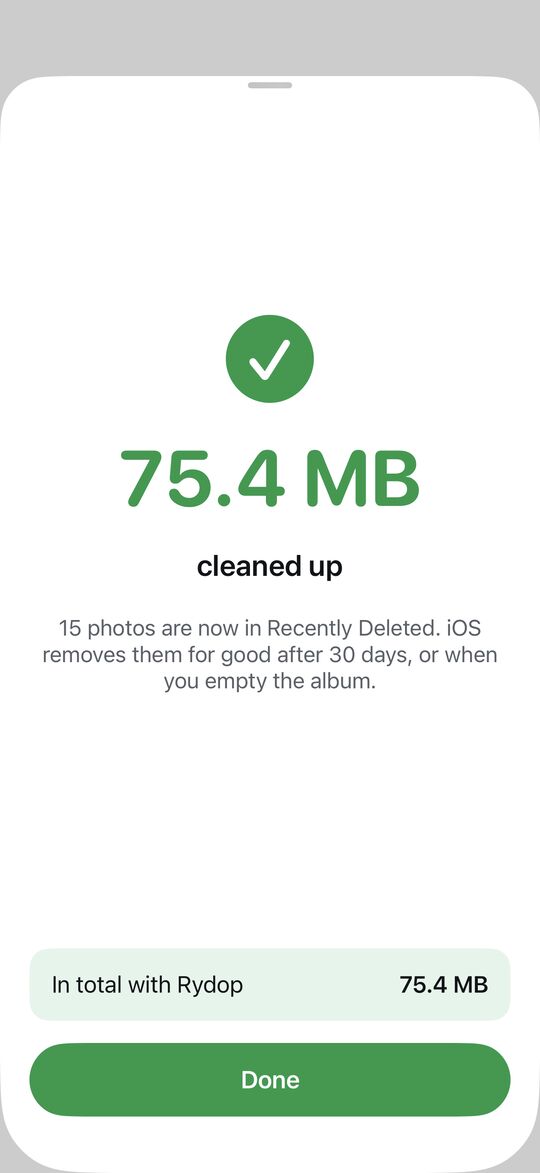
Your photos stay on your iPhone.
Rydop looks through your photos on the phone using Apple’s built-in tools. Nothing is uploaded, and the app doesn’t use the internet.
Why is it free?
Cleaner apps often charge a weekly subscription for work your iPhone can do itself. Rydop has no servers to pay for, so there is no subscription, no ads and no in-app purchases.